Clean-up Layer Data
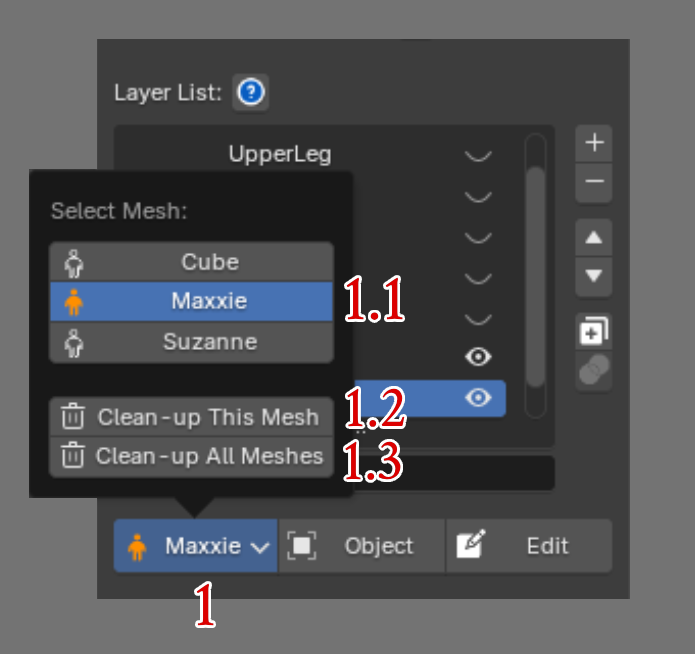
Click Current Bind Mesh to open a dropdown list showing all bind meshes in the scene.
-
Orange icon: The model has been initialized with Super Skin Pro.
-
Default icon: The model uses native Blender data.
Click Bake Active / Bake All : Apply layer results back to native Blender.
Notes:
-
Once baked, layer data will no longer be editable unless exported beforehand.
-
Even without baking, you can share the file with users who don't have this add-on installed without causing errors.
-
If you continue skinning using native Blender without baking, returning to the add-on tools will overwrite your changes with the last saved add-on state.